menu
mechanitec.ca
All
Channel
search
Log in
Join Open.Video
Log out
live_tv
Livestream Starting Soon
00
Hours
:
00
Minutes
:
00
Seconds
Up next in
10
CANCEL
PLAY NOW
Please enable JavaScript
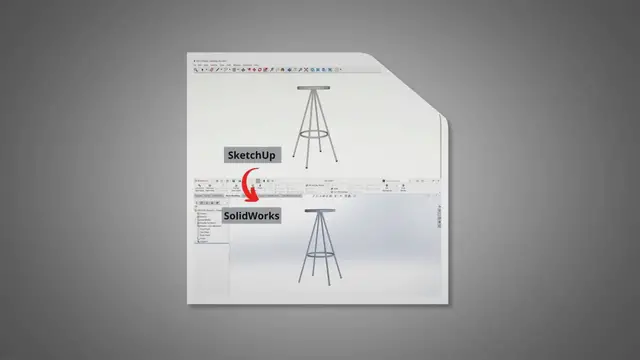
How to import files from SketchUp to SolidWorks?
Jul 6, 2023
Share
0
0
Visit Site
Share
0
0
mechanitec.ca
Subscribe
In SketchUp go to View > Export > 3d model >Select .stl file type and save. In Solidworks browse the file and Open .stl the file.
Show More
Show Less
×
2026-01-30 22:29:21